AI / ComfyUI to Photoshop
LineArtProcessor / image-to-image workflow
Integrating Creativity and Flexibility
Photoshop is the go-to tool for precise editing, design flexibility, and creative enhancements, while ComfyUI introduces a new realm of possibilities for AI-based image generation and editing.
This transition from Photoshop to ComfyUI allows traditional design skills and AI-driven generation to meet in one workflow, combining artistic control with computational power.
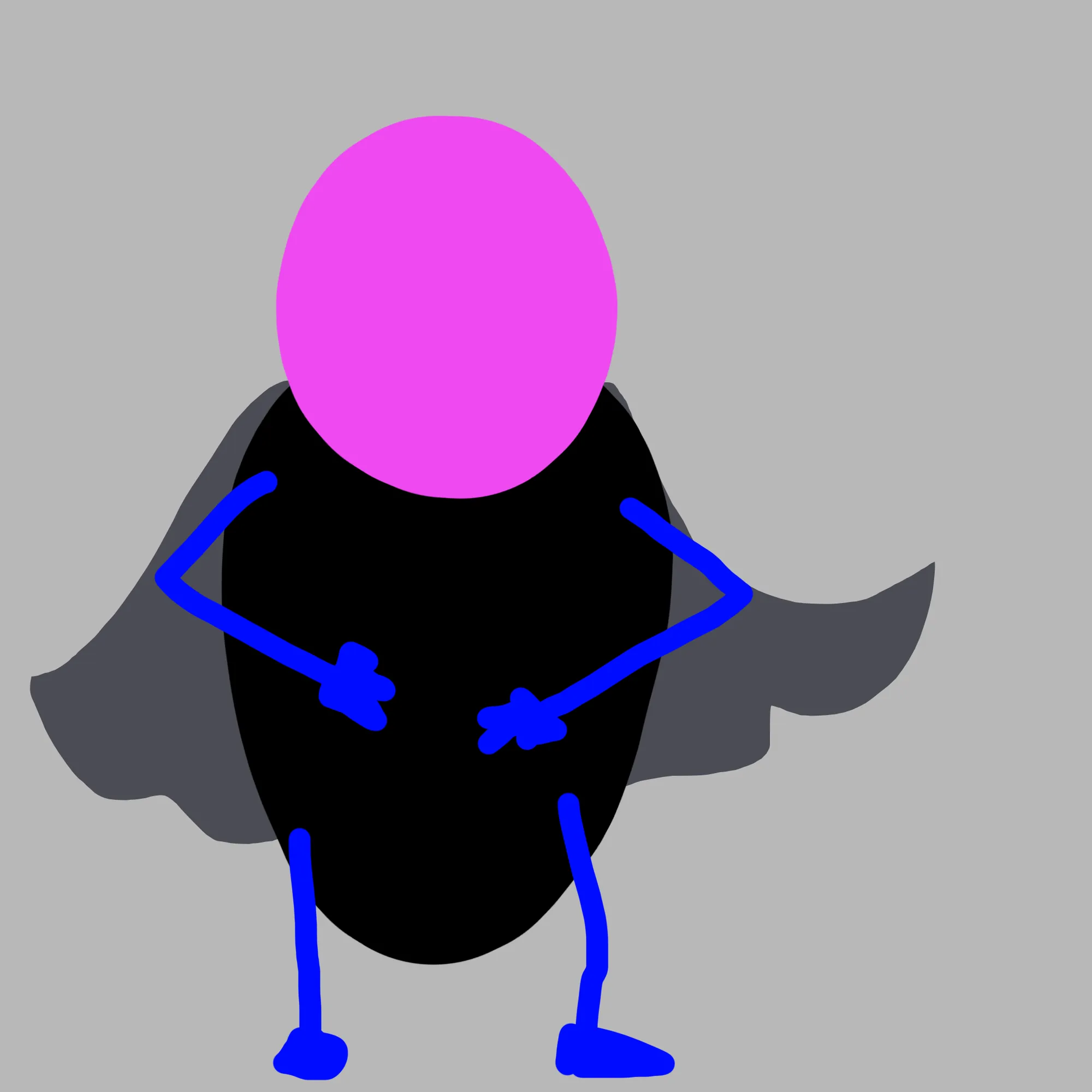 Input
Input
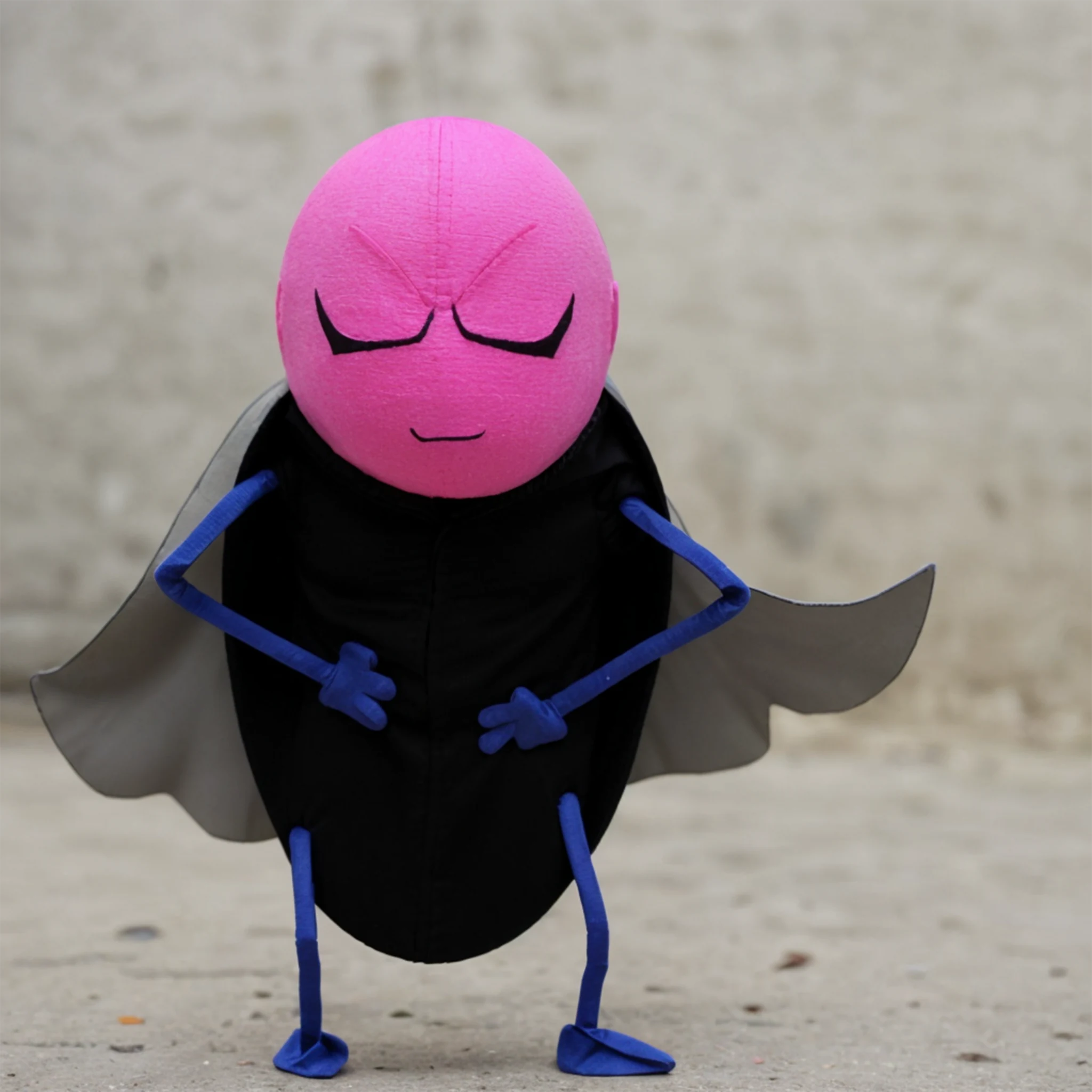 Output
Photoshop's layering, masking, and adjustment tools provide a solid base for developing visuals. From there, moving assets to ComfyUI allows for AI-assisted transformations, style exploration, and multiple variations based on a single visual source.
 Input
Input
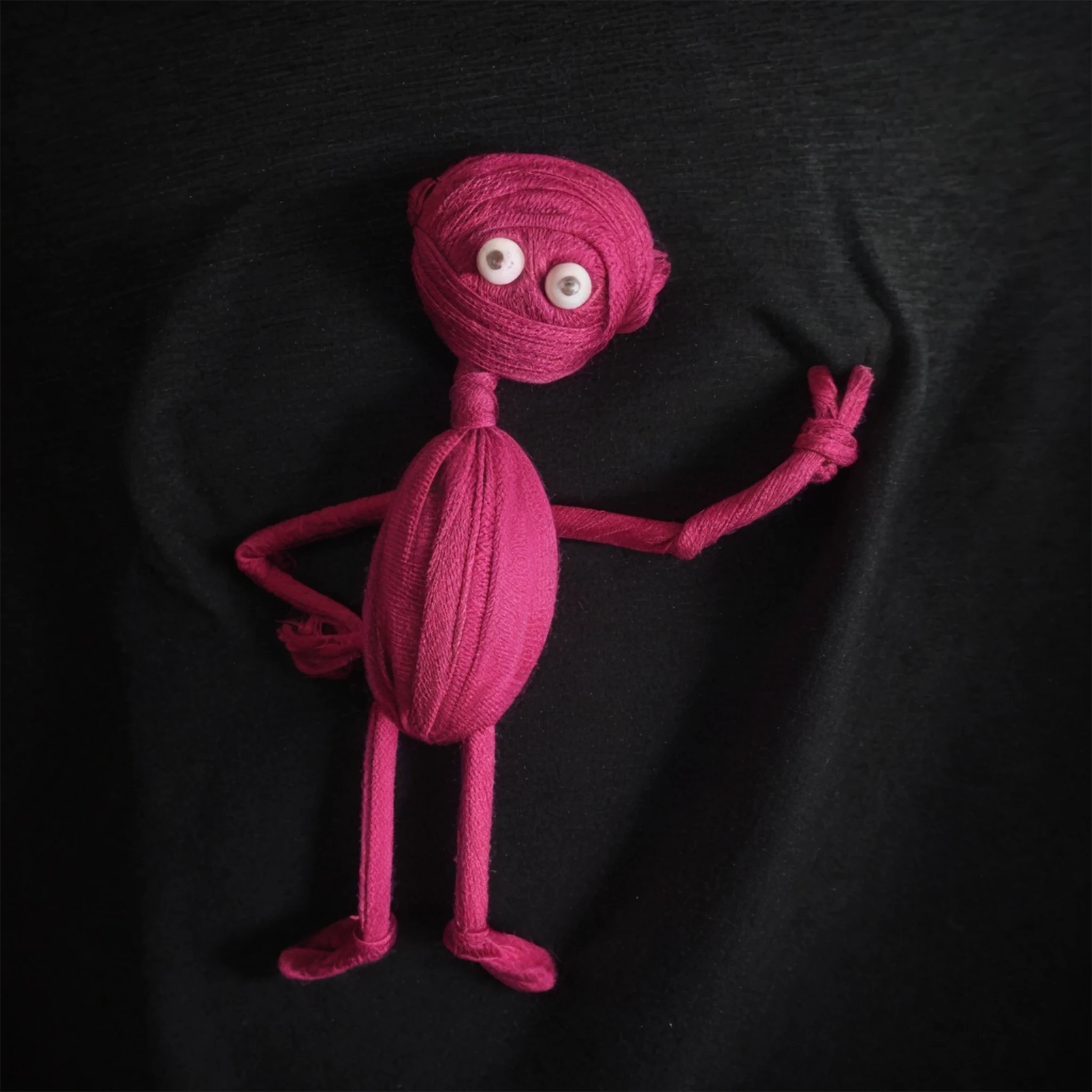 Output
The ComfyUI Photoshop plugin integrates ComfyUI's AI generation capabilities directly into Adobe Photoshop, enhancing the creative workflow with crop-over-selection, port changes, and flexible image processing pipelines.
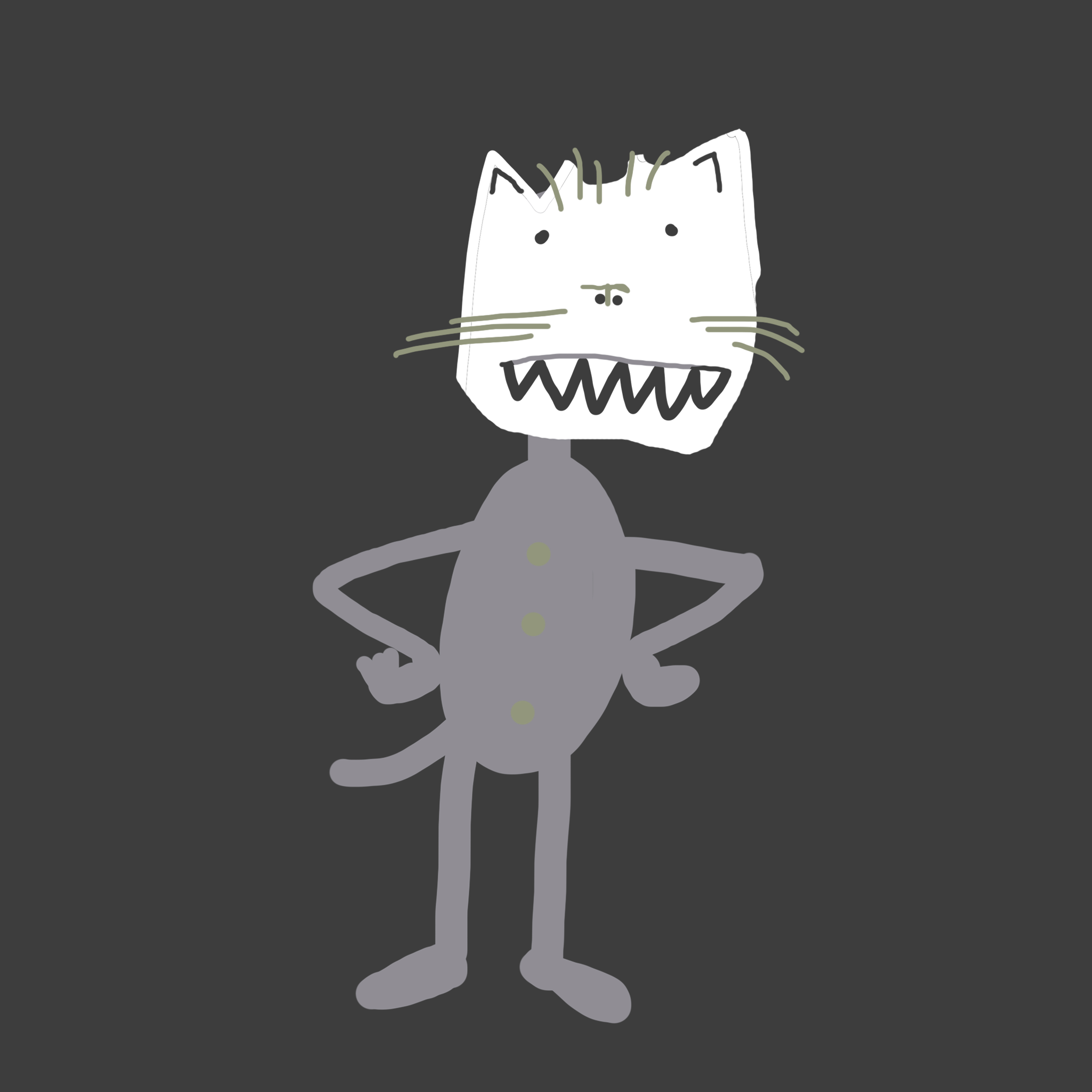 Input
Input
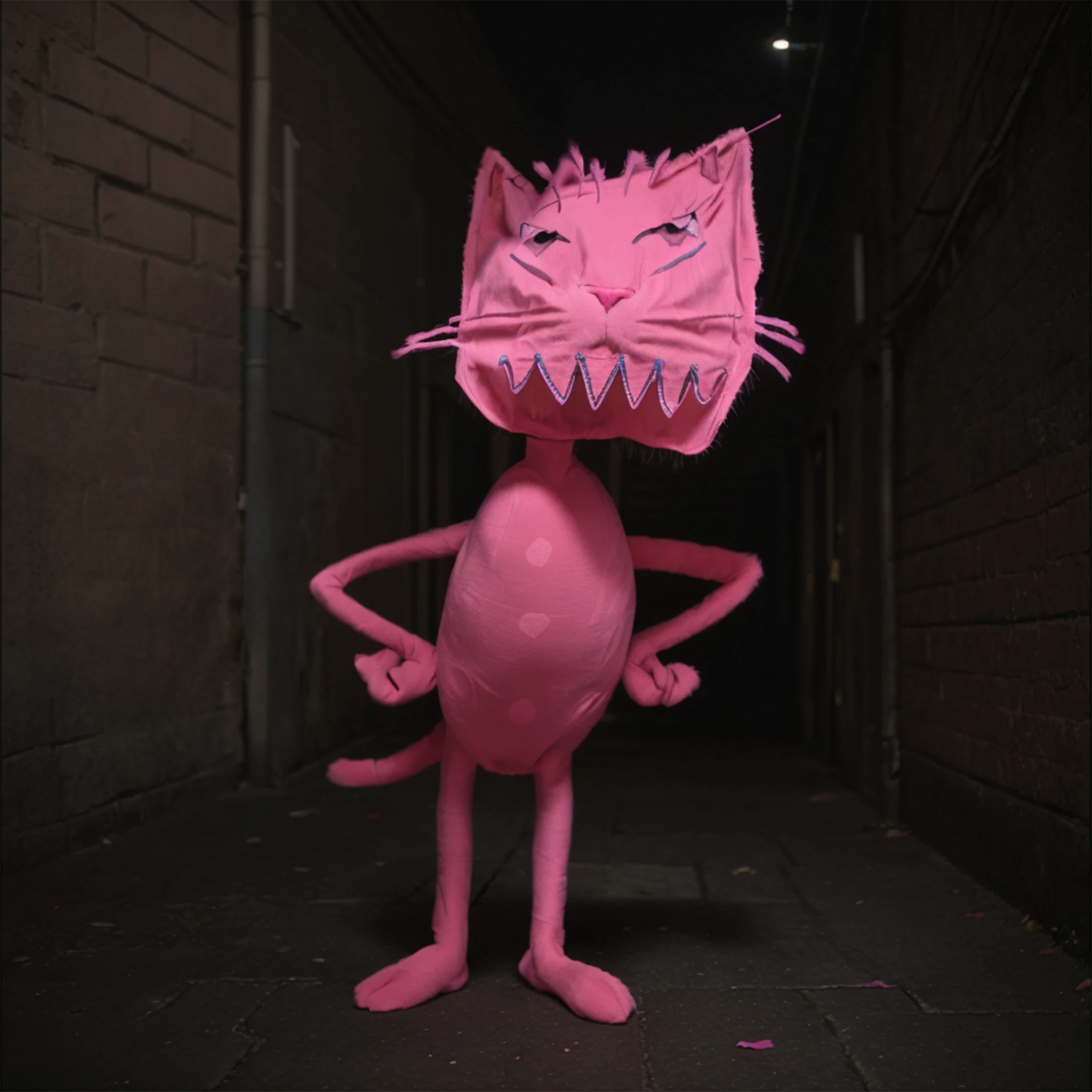 Output
LineArtProcessor
The LineArtProcessor within an img2img and ControlNet setup helps preserve line-based features in the final image. By isolating line elements before transformation, it keeps the result close to the original structure while allowing style and surface to change.
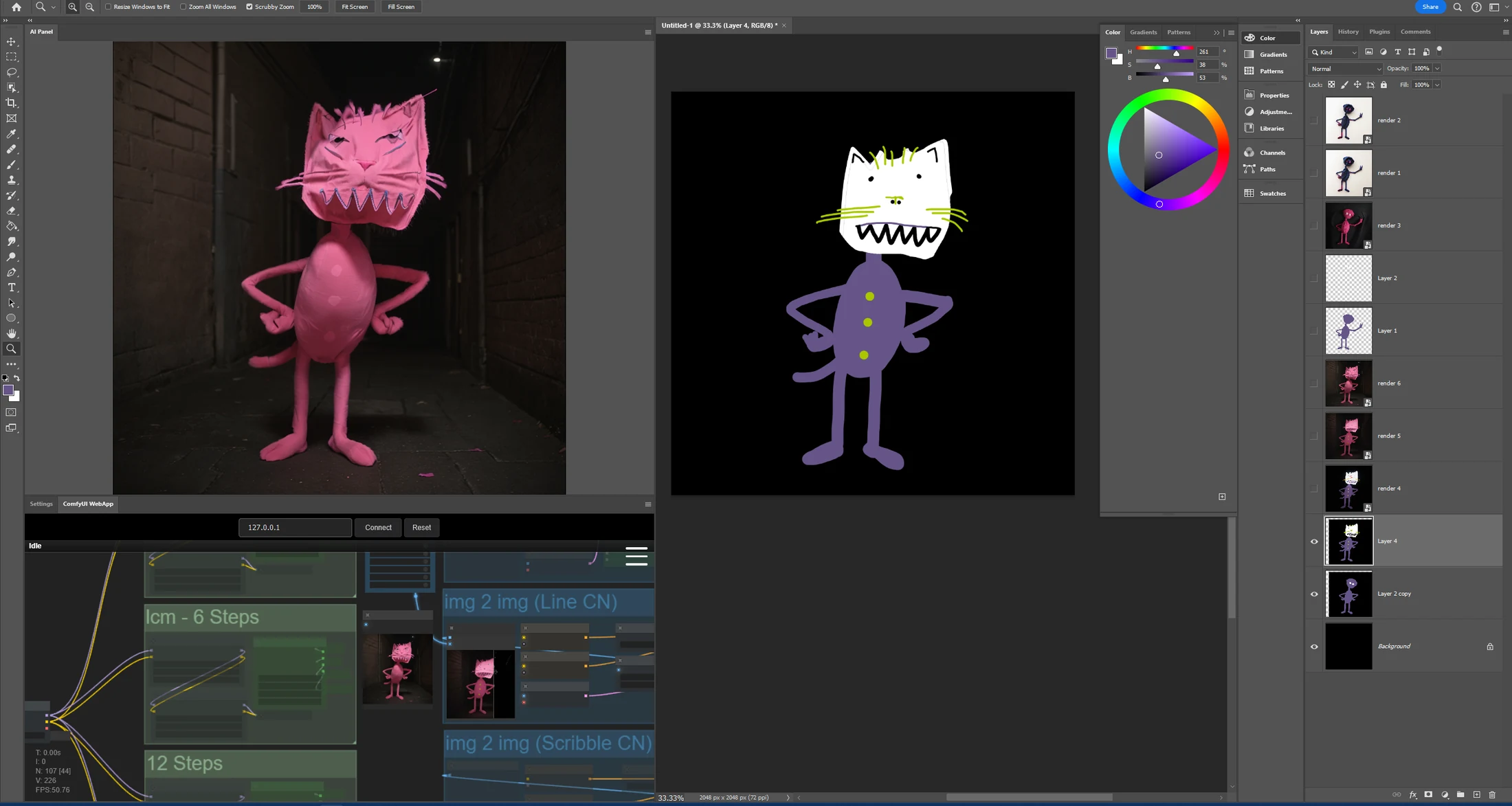
This workflow is suited to stylized artwork, comics, animation, and concept art where the original contour and drawing logic need to remain visible after processing.
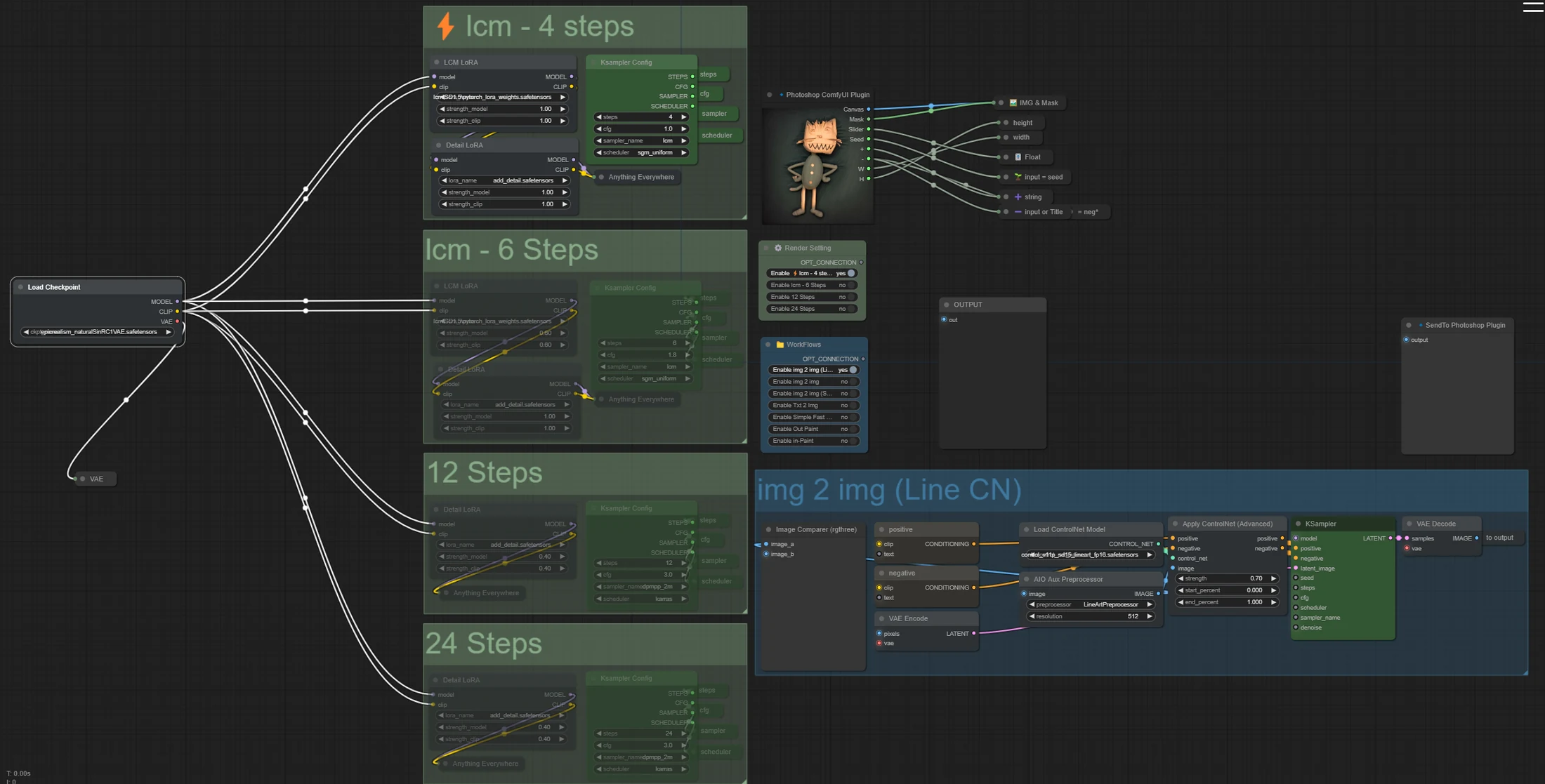
Special Thanks
Thank you to Nima, who did the hard work to make this plugin available. You can visit Nima's GitHub page.
The LineArtProcessor opens up creative possibilities for transforming sketches and outlines into polished, stylized images while keeping the original line work alive.