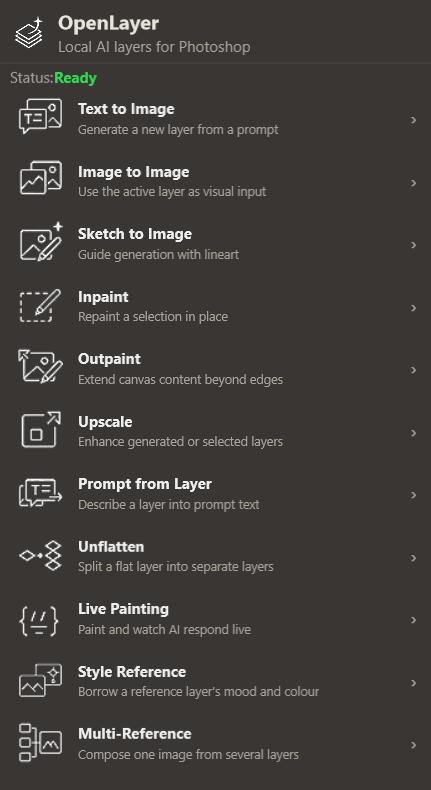
v0.1–v0.2 · Foundation
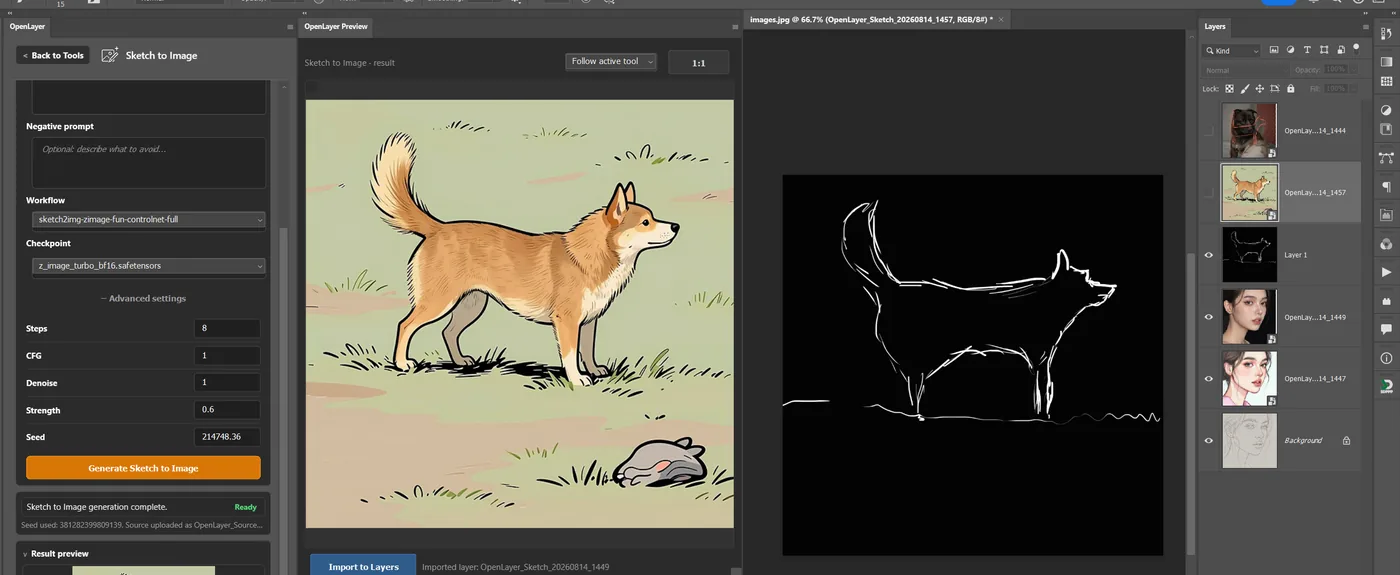
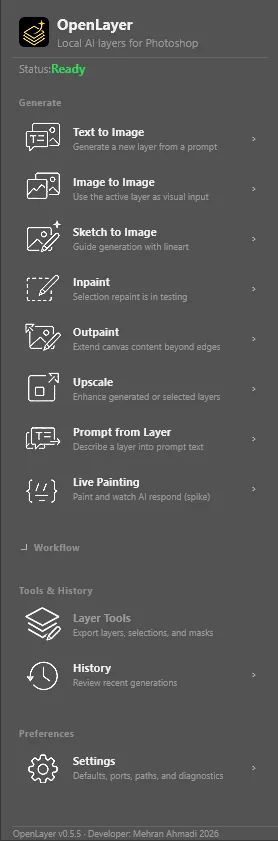
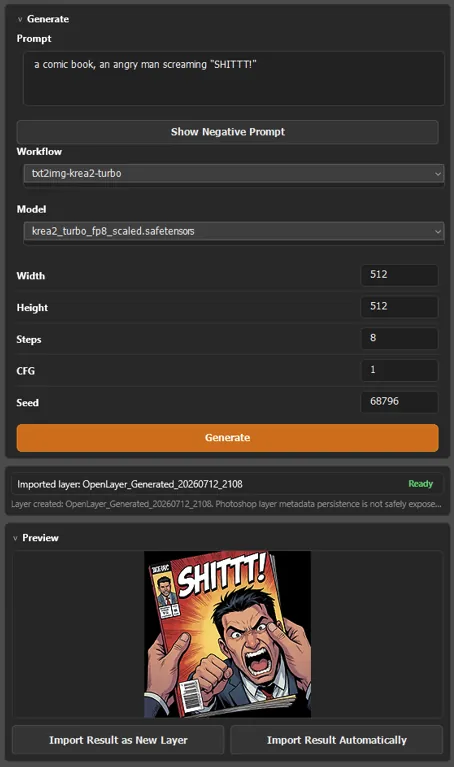
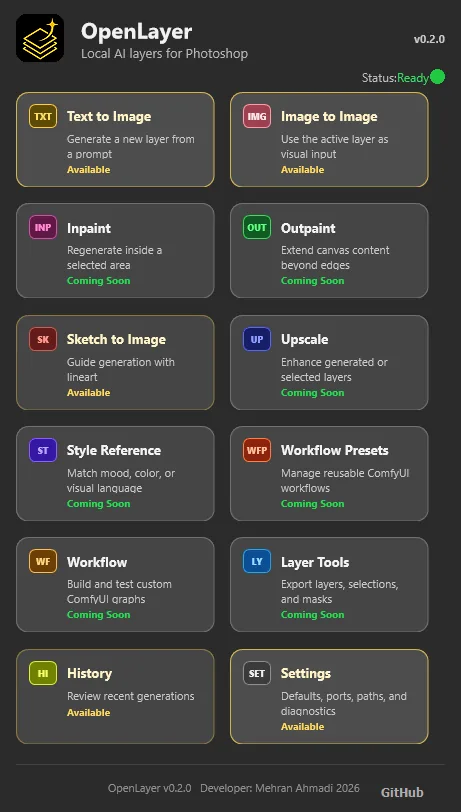
Text to Image, preview, import, checkpoint selection, Image to Image, Sketch LINECN, source capture, and setup documentation.
v0.4–v0.5 · Working workflows
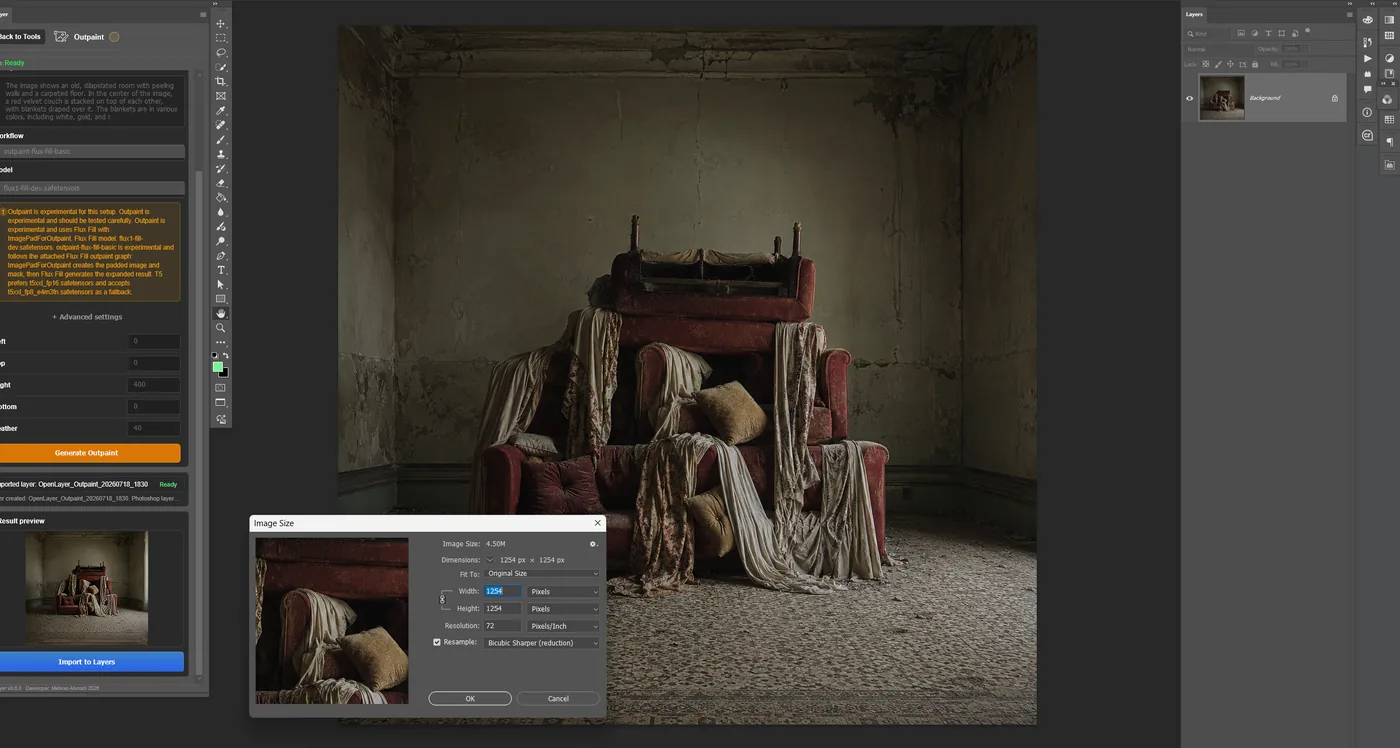
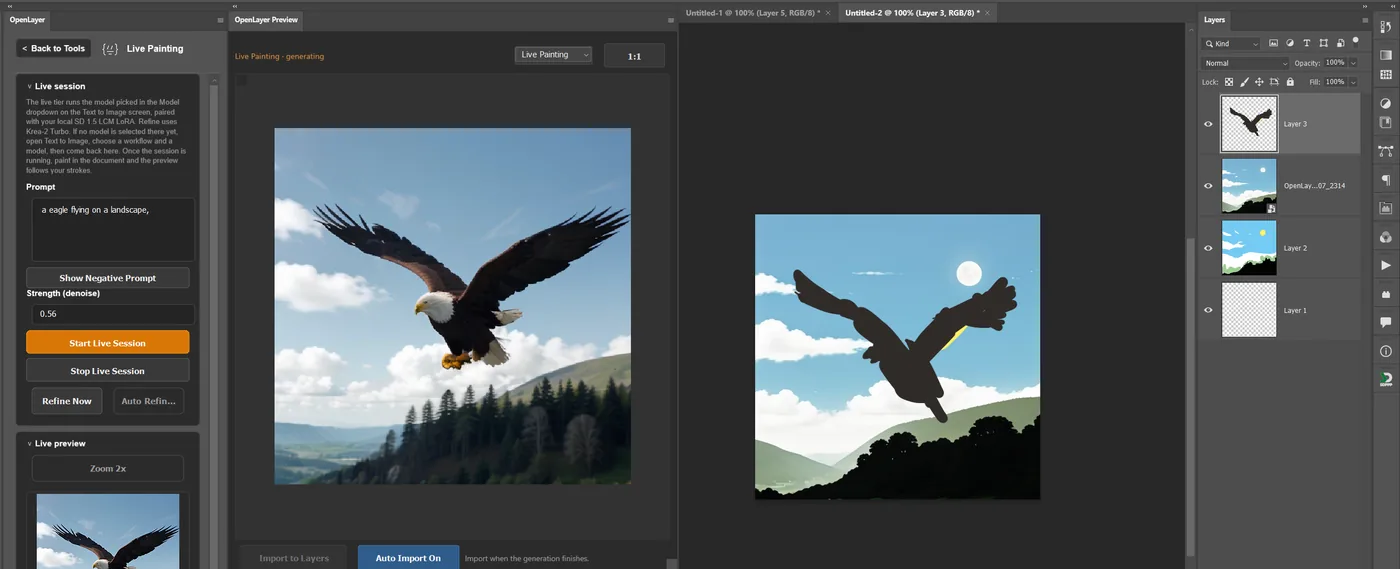
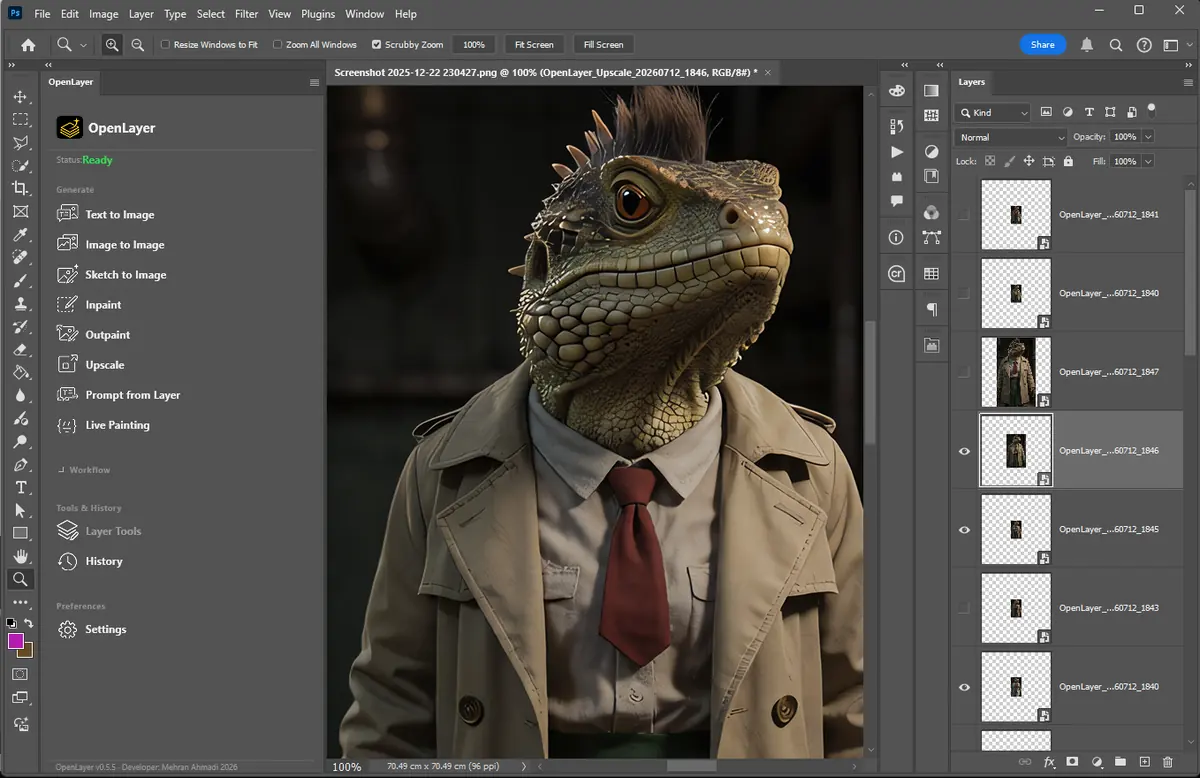
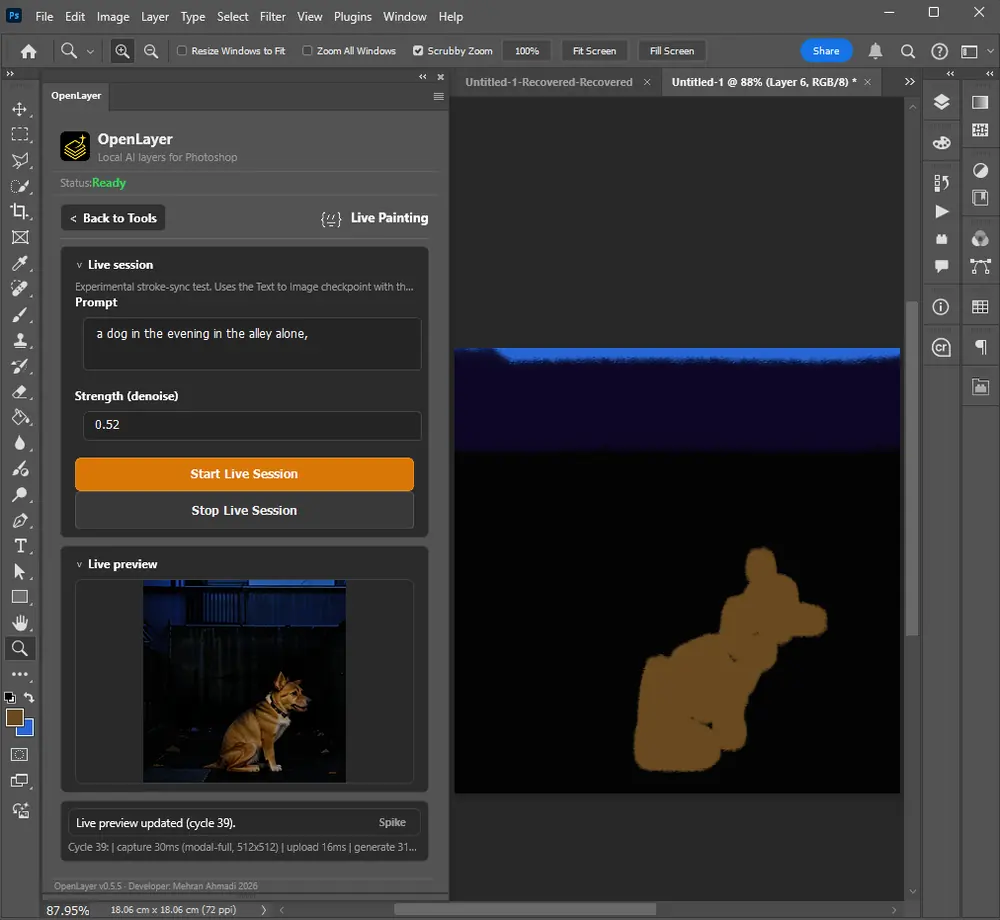
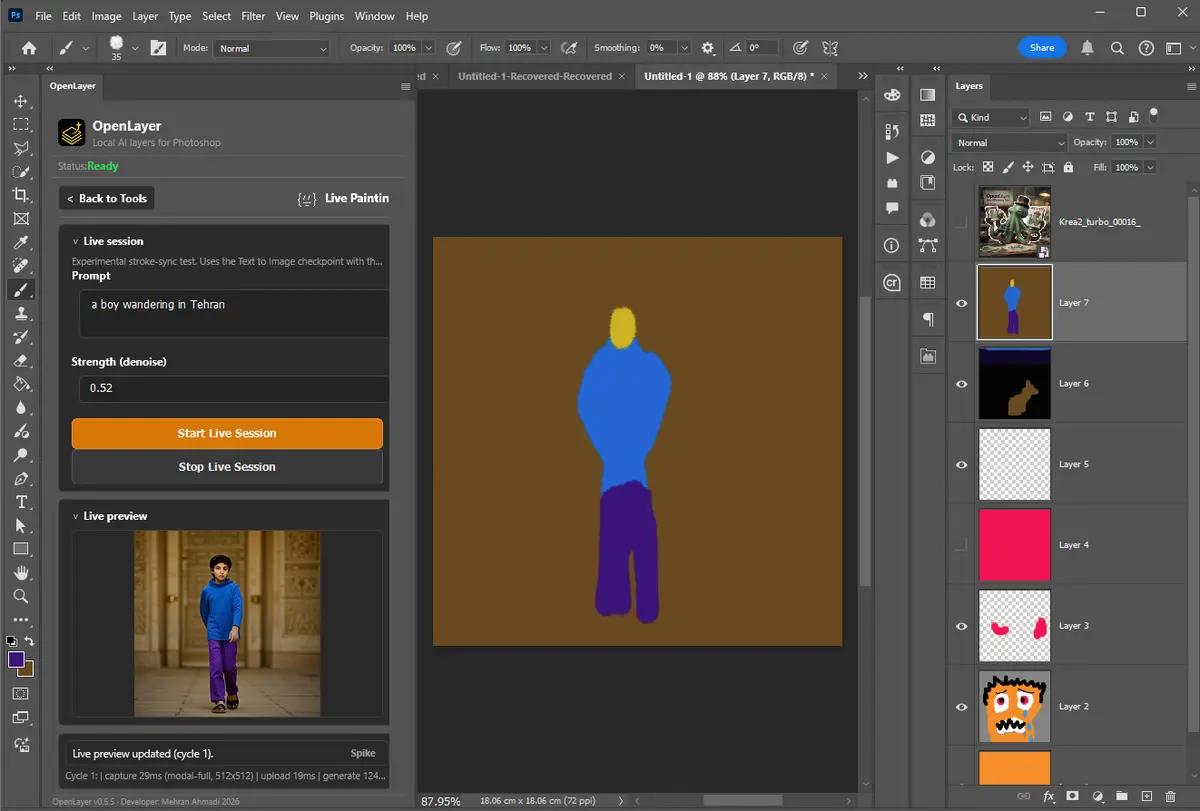
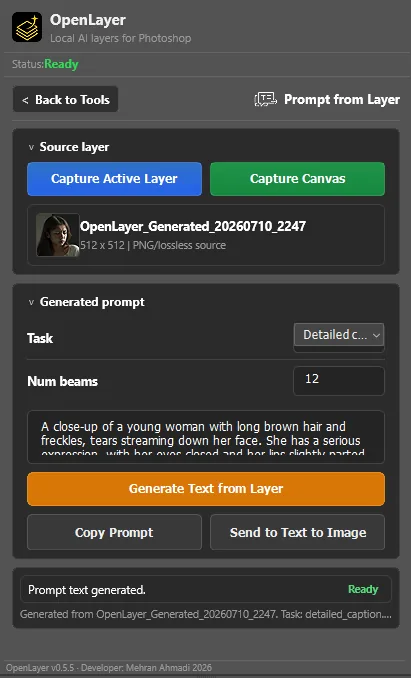
PNG capture, diagnostics, Prompt from Layer, Upscale, queue-aware Cancel, History metadata, live previews, and experimental Inpaint and Outpaint.
v0.6 · Compact UXP interface
A denser dashboard, sticky headers, determinate progress, Advanced settings, clearer availability, and prompt fields hardened in the real Photoshop renderer.
v0.7 · Preview panel and guided setup
A separated dockable preview panel mirroring every tool, a generated ComfyUI setup pack with verified model download locations, and one fewer custom-node dependency.
v0.8 · Correctness and maintainability
Persistent preview pinning, the missing editable workflow sources plus a source/API drift check, four user-visible fixes to status and progress, and a smaller App.ts.
v0.9 · Layer Tools
Export the active layer, the current selection, or the selection mask to a file or straight into ComfyUI's input folder — and every tool's messages finally stay on its own screen.
v0.10 · Setup diagnostics
Workflow Health finds models sitting in the wrong folder and names the repository behind a missing node — and the plugin zip is finally built to spec, so it unpacks correctly on macOS.
v0.11 · Know what you need
A Setup screen listing every model and node package with its folder, size and status — usable before ComfyUI is even running — plus a ranking of which presets your card will actually run well.
v0.12 · Flux.2 and an honest preset list
A Text to Image preset for the GGUF-quantised FLUX.2-dev, built on ComfyUI's own advanced sampler chain — and every preset the panel lists is now one you can actually run, because the two that never could have been are gone.
v0.13 · LoRAs and in-panel downloads
An optional LoRA on eleven presets, two new Sketch to Image ControlNet presets, and a Setup screen that downloads missing models itself from the project's own pinned URLs instead of only telling you where to find them.
v0.19 · Multi-reference composition
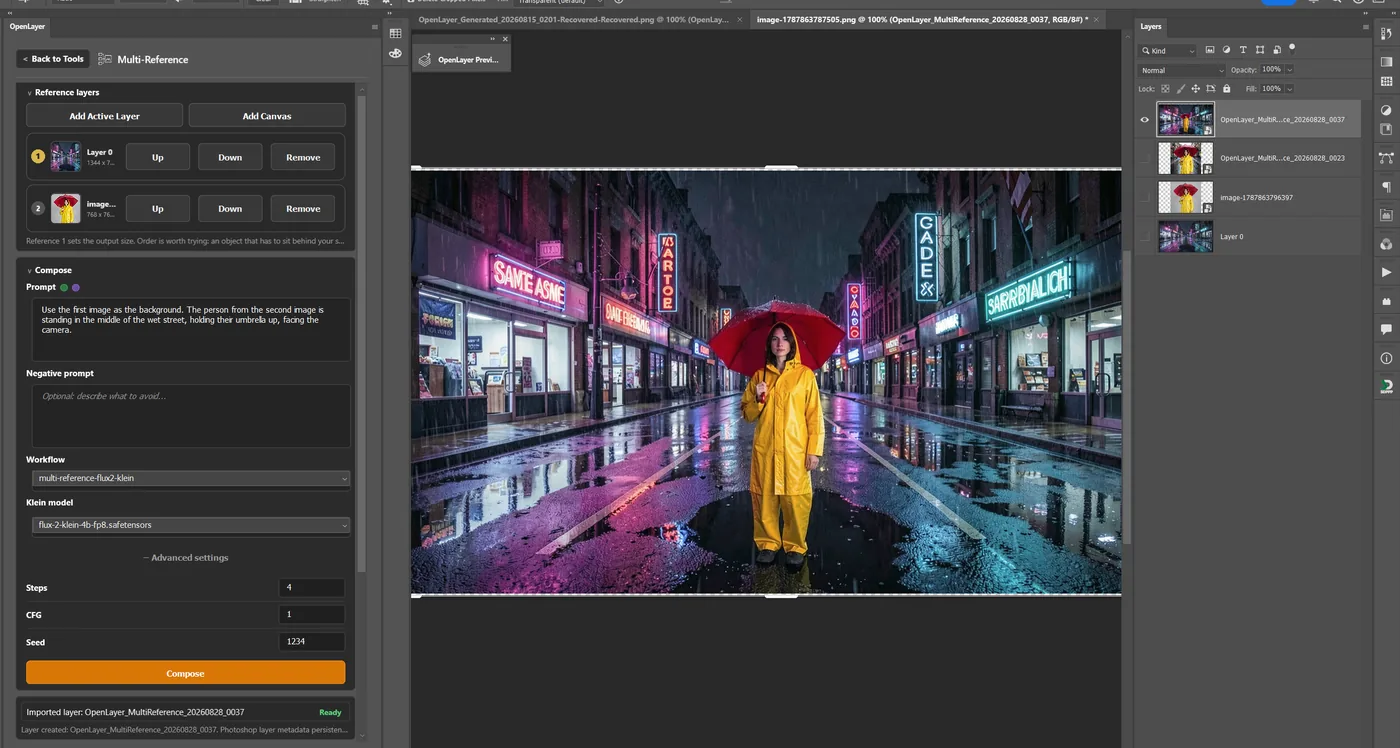
Compose one image from an ordered list of captured layers with FLUX.2 Klein, gated on 48 live test generations before any screen was built: reference order affects output more than reference count, and a specific person's likeness does not carry the way clothing and setting do.
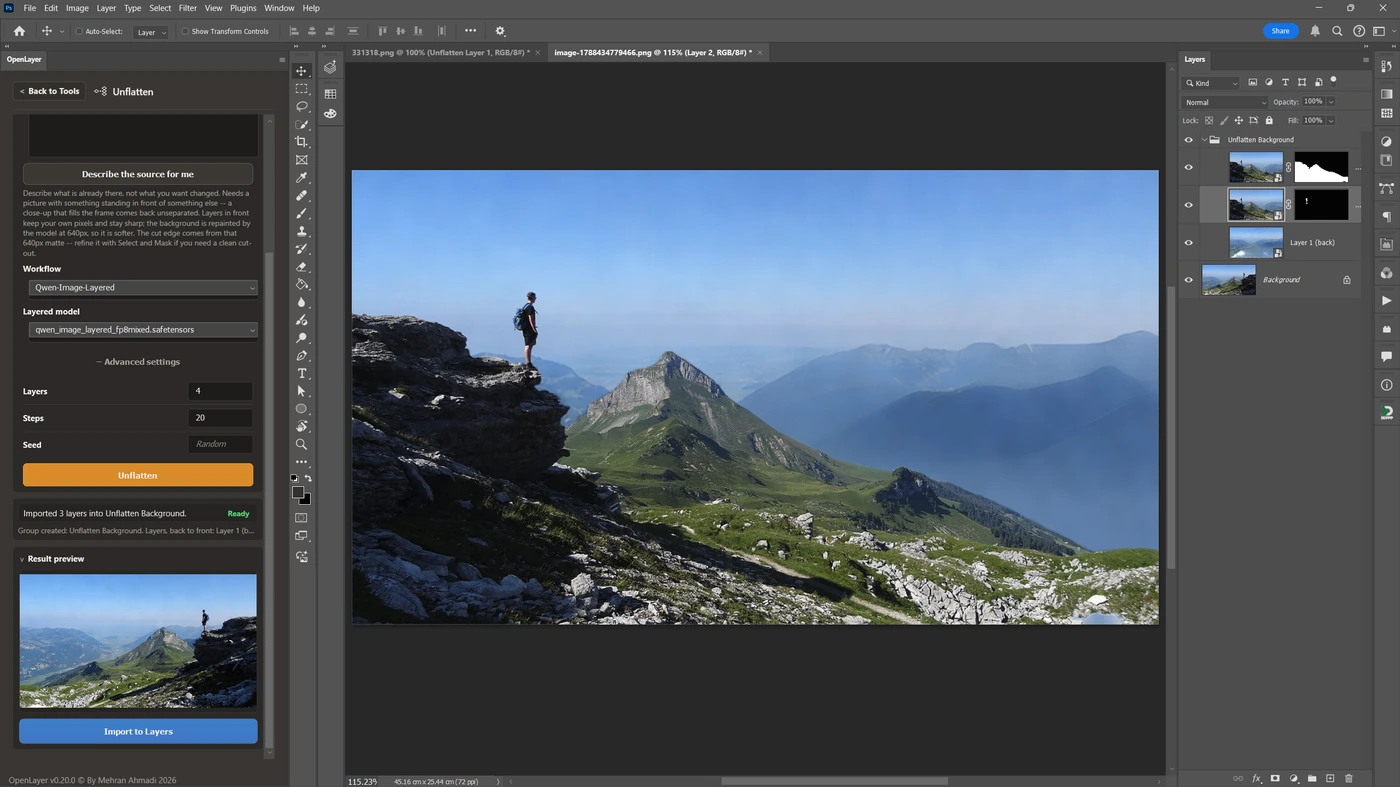
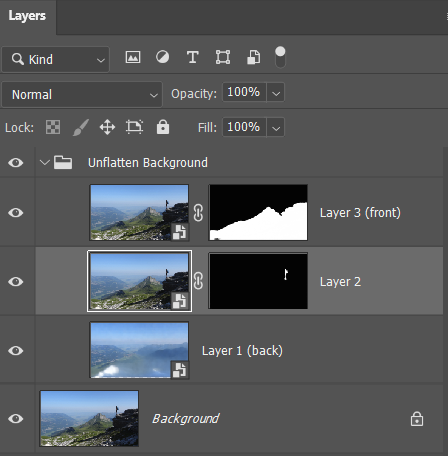
v0.20 · Unflatten (experimental)
A flat layer comes back as separate layers with real transparency, inside a group, in stacking order — the layers in front rebuilt from your own full-resolution pixels wearing the model's matte. Gated on eight questions answered with live generations first, two of which overturned assumptions the plan was built on.
v0.21 · Remove Background
One button, and the subject comes back on its own layer with real alpha — about two seconds, no prompt and no checkpoint, because there is no diffusion in the graph at all. The pixels are your own at full resolution with only an alpha channel added. The rest of the release is honesty work: the panel now says when Unflatten failed to separate anything, and seven warnings it had been hiding are back on screen.
Next · Reliability and artist control
Finish Inpaint and Outpaint alignment, strengthen workflow validation, and turn the metadata foundation into repeatable layer-level iteration.
Future artist tools
Guided custom workflow import, ControlNet panels, LoRA browsing, batch variants, persistent AI layer metadata, and faster live-preview generation.